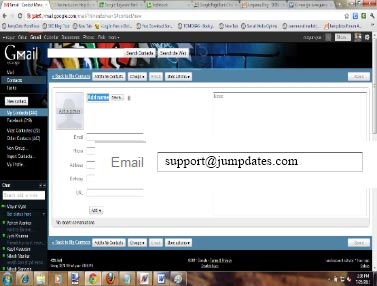
How to add customercare@jumpdates.com or registration@jumpdates.com to your address book
AOL
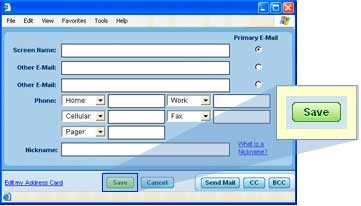
- On the Mail Options menu, select Address Book.
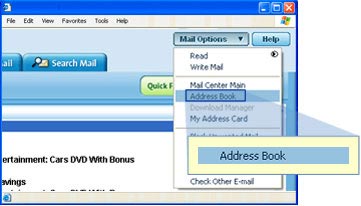
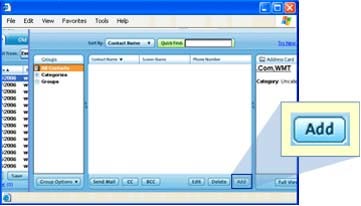
- Select Add or Add Contact.
- Type or copy and paste customercare@jumpdates.com or registration@jumpdates.com in the Screen Name text box.
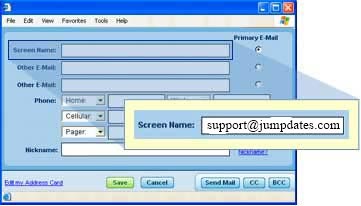
- Click Save.
YAHOO
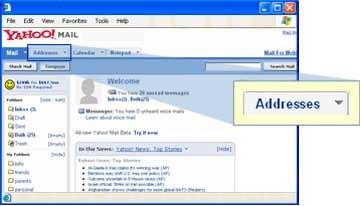
- Select the Addresses tab at the upper left.
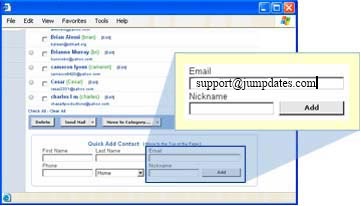
- In the Quick Add section at the bottom of the screen, type or copy and paste customercare@jumpdates.com or
registration@jumpdates.com in the Email text box. Click Add.
HOTMAIL
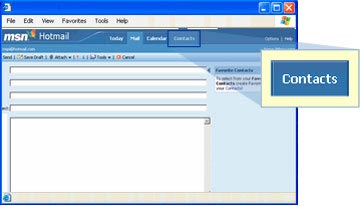
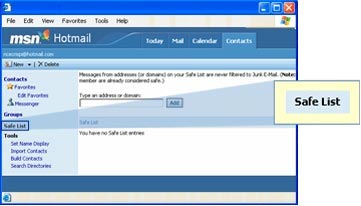
- Select the Contacts tab at the top center.
- Select Safe List on the left side of the screen.
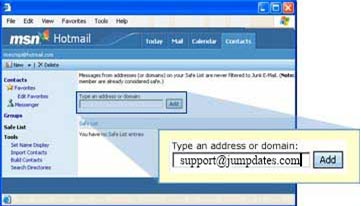
- Type or copy and paste customercare@jumpdates.com or registration@jumpdates.com in the Address or
Domain text box. Click Add.
GMAIL
- Select Contact Tab on the left hand side,
- Select New Contact right below the Contact Tab,
- Type or copy and paste customercare@jumpdates.com or registration@jumpdates.com in the Email address and
click on Add to My Contact.